Sunmi + FBR E-Invoicing Integration in Pakistan: The Complete 2026 Guide
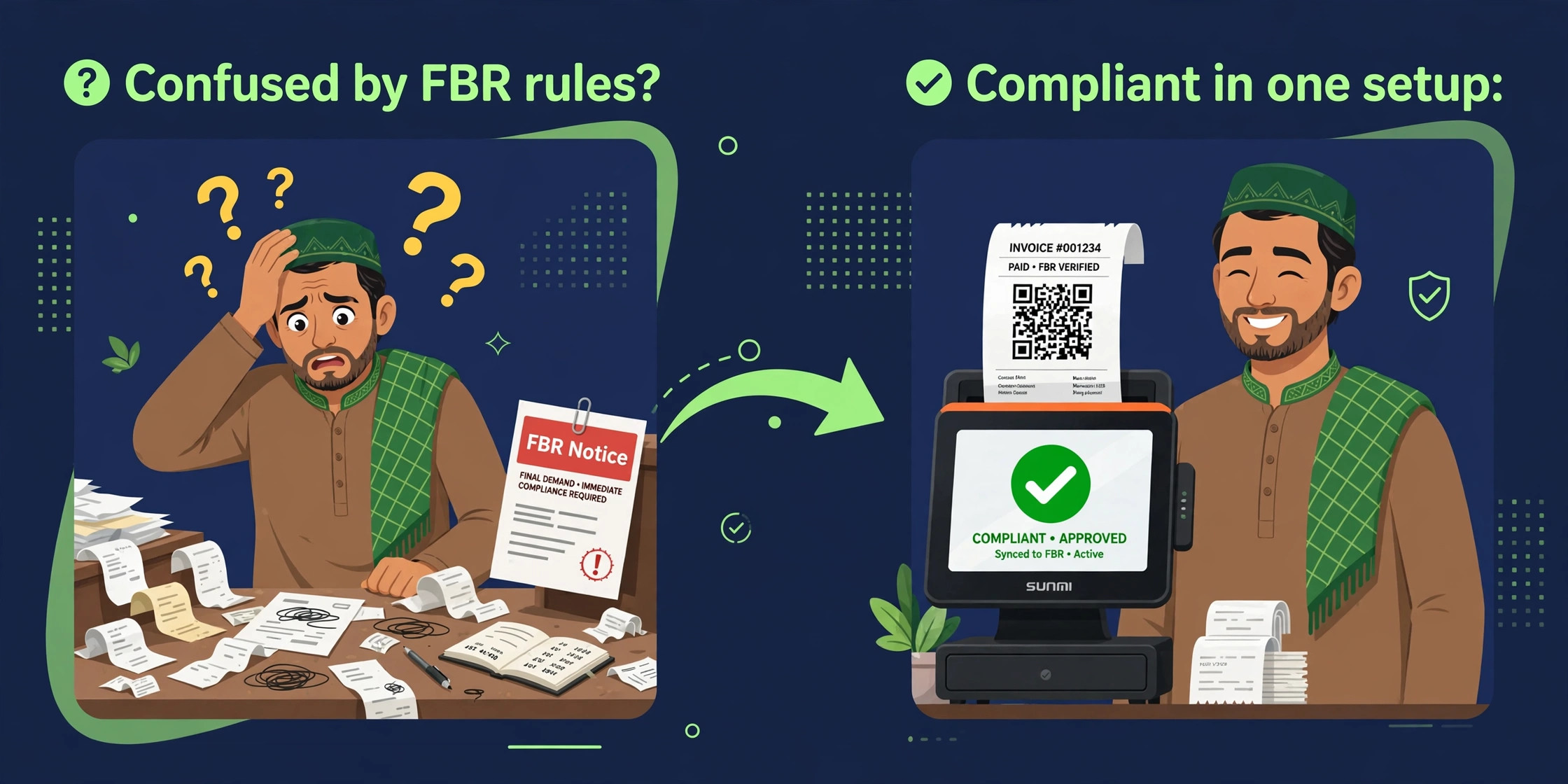
If you run a restaurant, retail store or cloud kitchen in Pakistan, your billing counter changed in 2026 — whether you noticed or not. FBR's SRO 288(I)/2026 pulled restaurants, retailers, hotels, healthcare providers and a long list of service businesses into mandatory online integration with FBR's computerized system. Every sale must now flow through an integrated outlet, a POS system, or an electronic invoice-issuing machine, and every invoice must be verifiable by FBR in real time.
This guide explains what that means in plain words, what it costs, what the penalties are, and — the part nobody else covers — how it actually works on Sunmi POS devices, the Android terminals sitting on thousands of Pakistani counters. As of September 2026, FBR reported 13,731 integrated enterprises across 37,770 branches, including 1,152 restaurants. If you are not integrated yet, this is the guide to get there.
What “FBR e-invoicing integration” actually means at your billing counter
Strip away the jargon and the process is simple. When your cashier closes a sale, your POS software sends the invoice data to FBR's system in JSON format. FBR's system validates it and returns a unique invoice code, which must be embedded in the invoice — along with a verifiable QR code — before the receipt is handed to the customer. A customer can then verify that invoice through FBR's Tax Asaan app or by SMS to 9966.
Two things this is often confused with: POS integration (connecting retail counters to FBR, the older retail regime) and digital invoicing (real-time invoice reporting for all sales-tax-registered supplies, the newer and broader regime). Both end at the same counter, but the rules and coverage differ. This guide keeps them in separate lanes.
Who must comply in 2026
SRO 288(I)/2026 lists the businesses that must integrate. The headline categories:
- —Hospitality: restaurants, cafes, food establishments, hotels, motels, guest houses, marriage halls, marquees, clubs
- —Healthcare: private hospitals and clinics, diagnostic labs, dentists, physiotherapists, veterinary doctors
- —Personal care: beauty parlours, salons, slimming clinics, massage centres, gyms and fitness centres
- —Retail and commerce: all retailers and wholesalers, importers, online sellers and marketplaces, courier and cargo services, foreign exchange dealers
- —Professionals and services: accountants and tax consultants, photographers, videographers, event managers, inter-city transport operators
- —Education: private schools, colleges, universities and vocational institutes
One rule surprises most restaurant owners: all restaurants must integrate their POS regardless of Tier-1 status, under Chapter XIV-A of the Sales Tax Rules 2006. There is no “too small to matter” argument for restaurants — though genuine exemptions do exist.
Exemptions worth knowing
Non-air-conditioned hospitality facilities are exempt, as are hospitals charging under Rs 500 per consultation and schools charging Rs 1,000 or less per month. If you fall in one of these, don't let anyone sell you a compliance package you don't need.
Karachi restaurants, read this: FBR vs SRB
Pakistan's biggest compliance trap is assuming one integration covers everything. The FBR handles federal sales tax; the Sindh Revenue Board (SRB) runs its own POS system through a Sales Data Controller (SDC) for Sindh sales tax on services. FBR integration does not automatically satisfy SRB.
| FBR (federal) | SRB (Sindh) | |
|---|---|---|
| What it covers | Federal sales tax / income tax integration | Sindh sales tax on services |
| Restaurant trigger | All restaurants, any size (Chapter XIV-A) | Hotel-located, franchises, multi-branch in Sindh, AC-mall outlets, turnover above Rs 5M in last 12 tax periods |
| Integration route | PRAL (free) or licensed integrators | Sales Data Controller (SDC) |
| Invoice marking | FBR invoice number + verifiable QR code | SRB invoice number + SRB QR code |
Punjab has its own equivalent: the Punjab Revenue Authority requires digital receipts carrying a PRA invoice number and QR code, and has banned pre-bills and temporary bills (complaints go to their WhatsApp helpline, 0343-0000772). The point: budget for both integrations if you operate in Karachi, and confirm your province's rules before you buy anything.
What every invoice must carry
A compliant invoice is not just a receipt with a logo. FBR's current requirements:
- —Unique FBR invoice number — returned by FBR's system at the moment of sale
- —Verifiable QR code — scannable by the customer via the Tax Asaan app
- —FBR Digital Invoicing logo on the invoice
- —Complete seller and buyer details
- —HS code and unit of measure (UOM) for every item — wrong codes are one of the top reasons invoices fail validation
- —Correct tax rate — standard rate is 18%
- —Real-time transmission — the invoice goes to FBR at the moment of sale, not at day's end
- —Six-year electronic retention — invoices must be stored on electronic media for six years under Section 174
And a rule that catches people out: since STGO 01/2026, an issued invoice can only be cancelled or edited within 72 hours. After that, changes need the Commissioner Inland Revenue's approval. Accurate invoicing at the counter matters more than ever — which is exactly why the device and software you bill from matter.
The penalties, stated honestly
No scare tactics — here are the actual figures, so you can make a business decision:
| Default | Penalty (Sales Tax Act, Sec 33, serial 25A) |
|---|---|
| First default | Rs 500,000 |
| Second default (after 15 days) | Rs 1,000,000 |
| Third default (after 15 days) | Rs 2,000,000 |
| Fourth default (after 15 days) | Rs 3,000,000 + possible sealing of business premises |
- —Since the Finance Act 2026, the Commissioner can also suspend or blacklist a non-compliant business's registration.
- —FBR's own POS FAQ adds: bypassing the system can attract a penalty of up to Rs 500,000 or 200% of the tax (whichever is higher) and up to 2 years imprisonment.
- —Software vendors that help suppress sales face up to 1 year imprisonment and a Rs 200,000 fine — choose your software partner carefully.
- —Failure to integrate also costs 15% of your adjustable input tax under Section 8B(6).
The 7-step path to a compliant counter
- 1Register the Digital Invoicing module inside FBR's IRIS portal (iris.fbr.gov.pk). IRIS supports an API mode and a limited manual mode — API mode is the one that scales.
- 2Choose your integration route: PRAL (free of cost) or one of the licensed integrators named in Sales Tax Circular No. 1 of 2025 (Haball, EY, WebDNAworks).
- 3Whitelist your IP with FBR so your billing location is a recognized source.
- 4Get a sandbox token and run FBR's scenario tests — this is where HS codes, UOMs and tax scenarios get validated before real money is involved.
- 5Move to a production token once sandbox scenarios pass.
- 6Go live on your devices — each Sunmi terminal runs the POS app that sends invoice JSON to FBR and prints the returned invoice number and QR code.
- 7Monitor and reconcile — watch for failed transmissions and keep the 72-hour edit window in mind for corrections.
An honest note on who does what
Sabsoft is not an FBR-licensed integrator, and we don't pretend to be. We deliver FBR-ready integration on your devices — device setup, POS software configuration, QR-code receipt printing, offline queueing and staff training — and we work with PRAL and licensed integrators for the FBR side. Anyone promising you “licensed” status without the paperwork is selling you risk.
PRAL (free) vs licensed integrators: how to choose
This is the decision every business faces, so here it is without the sales pitch:
| PRAL (free) | Licensed integrator | |
|---|---|---|
| Cost | No fee — FBR charges nothing for the system itself | Service fee, varies by vendor |
| Best for | Businesses with in-house technical capacity | Businesses that want a managed, done-for-you integration |
| Device setup | You handle your own devices and software | Usually bundled with their software |
| Support | FBR/PRAL channels | Vendor support desk |
Either way, your side of the counter is on you: the device, the POS app, the printer that puts the QR code on the receipt, and the offline behaviour when the internet drops. That is the part most guides skip — and the part that decides whether compliance survives a busy Friday night.
The part nobody covers: making it work on Sunmi devices
Every FBR guide we reviewed explains the law. None explains the device. Yet the device is where compliance lives or dies: a restaurant counter needs an Android terminal that runs the billing app, talks to FBR's API, prints a QR-coded receipt, and keeps billing when the Wi-Fi doesn't. Here's how that maps to Sunmi hardware:
- —The billing device: Sunmi's Android POS terminals (V2, V3, T2 series) run your POS app natively. The app sends each invoice as JSON to FBR, receives the unique invoice code, and renders the QR code on screen and on the receipt — all in one flow, no second system.
- —The receipt: a Sunmi cloud/thermal printer prints the FBR invoice number and QR code on every receipt. For cloud kitchens, the same printer that fires kitchen tickets can carry the compliance data — one printer, two jobs.
- —Offline mode: the terminal queues invoices locally when the connection drops and syncs within FBR's 24-hour window on reconnection. Verify this behaviour on your actual device before go-live, not after.
- —Multi-branch: Android terminals sync per-outlet, which matches how FBR wants outlet-level reporting. Each branch whitelists its own IP.
- —Scales and labels: for retail, Sunmi scales and electronic shelf labels keep the weighed/measured items consistent with the HS codes and UOMs on the invoice — the exact fields that fail validation when they don't match.
This is Sabsoft's home ground: we configure Sunmi devices, connect the printers and scanners, set up the POS software, and train your staff — so the legal requirement becomes a normal Tuesday at the counter.
Internet goes down? The offline playbook
Load-shedding and flaky internet are Pakistani operational realities, and FBR's framework accounts for them: invoices issued during an outage are marked offline and must be uploaded within 24 hours of reconnection. Your setup should handle this without your cashier thinking about it:
- —Local queue on the device — every offline invoice is stored on the terminal with a timestamp, in order.
- —Automatic sync — the moment connectivity returns, the queue uploads to FBR without manual intervention.
- —Visible status — your staff should see at a glance whether the terminal is online, offline-queuing, or has unsynced invoices older than a few hours.
- —Receipt honesty — offline receipts should still carry your invoice numbering; the FBR code and QR get embedded once the invoice is validated on sync.
What it costs and what to buy
Let's be direct, because most guides either skip this or invent numbers:
- —FBR integration itself is free through PRAL. FBR charges no fee for the system.
- —What you pay for: the POS device, the POS software (license or subscription), and the integration and support work — setup, configuration, training, and ongoing support.
- —What NOT to buy: don't buy hardware from a software vendor's scare pitch, and don't buy software from a hardware box-seller with no integration practice. The device and the integration are two different purchases — keep them that way.
- —The honest bundle: one contract covering device setup, FBR-ready software configuration, QR receipt printing, and staff training. That's the unit of purchase that actually gets you compliant.
Why we don't publish hardware prices here
Sabsoft is an integration and software company, not a hardware reseller — hardware distribution is our sister company Sabsons' lane. Publishing prices would be guessing at someone else's business. What we publish instead: exactly what the integration covers, so you can compare quotes apples-to-apples.
Mistakes that fail FBR validation
From the integration trenches — the errors that actually get invoices rejected:
- —Wrong HS codes or units of measure — the single most common failure. A “piece” billed as a “kg” will not validate.
- —Scenario mismatches — testing against the wrong sandbox scenario, then wondering why production rejects the same invoice.
- —Stale API specs — FBR's API has moved (QR v2.0 and newer print specs); integrations built on old docs fail silently.
- —Skipping the sandbox — going live without passing scenario tests is how you discover problems during dinner rush.
- —No offline queue — one outage without local queuing means lost invoices and a 24-hour scramble.
- —Ignoring the province — FBR-compliant but SRB-blind in Karachi (or PRA-blind in Lahore) is still non-compliant.
Compliance isn't a certificate you buy — it's a counter that keeps working. Get the device right, the software right, and the integration tested, and FBR e-invoicing becomes background noise instead of a business risk. And if you'd rather have someone handle the whole thing: that's literally what we do.
Get your counter FBR-ready
Device setup, FBR-ready software configuration, QR-code receipt printing and staff training — in one contract, for restaurants and retailers across Pakistan.